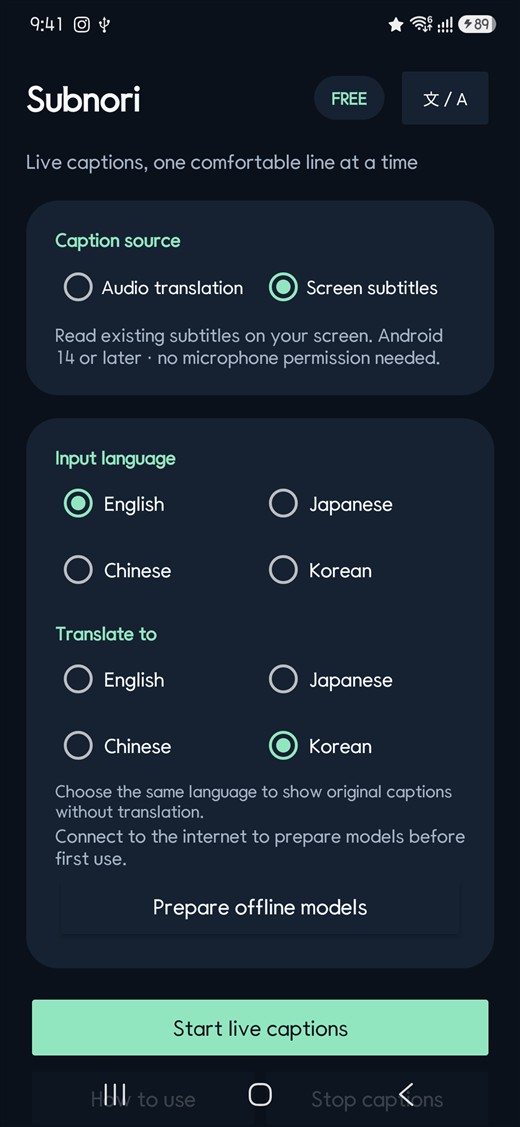
 Subnori
iPhone
Caption playback audio
On iOS 27 or later, translate audio from a compatible player. Drag the caption window clear of playback controls and pinch to resize it.
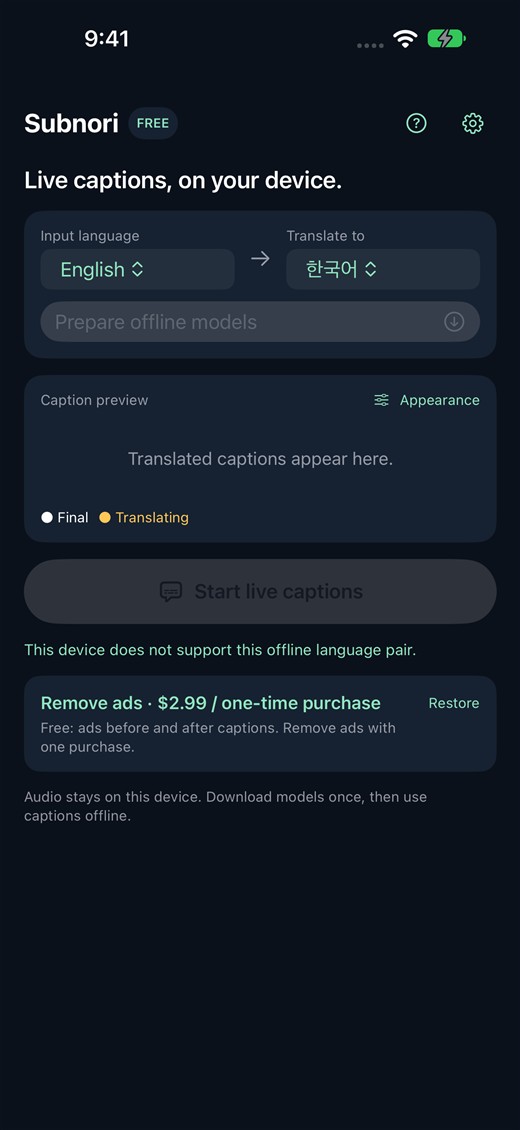
Follow a lecture or an interview in another language. Subnori translates supported playback audio on your device and displays captions over the video.
Compare platforms ↓ここで少し止めてみましょうか?
Shall we pause here for a moment?
On iOS 27 or later, translate audio from a compatible player. Drag the caption window clear of playback controls and pinch to resize it.
On devices with speech support for your input language, translate the audio as it plays. Screen-text mode can instead read and translate subtitles already visible in the video.